Tutorial repair ZX Spectrum 48K by Manuel Cuenca. First steps to repair your ZX Spectrum.
First steps to diagnose a ZX Spectrum 48K: correct connection to the power supply and television, disassembly, types of board and voltage measurement.
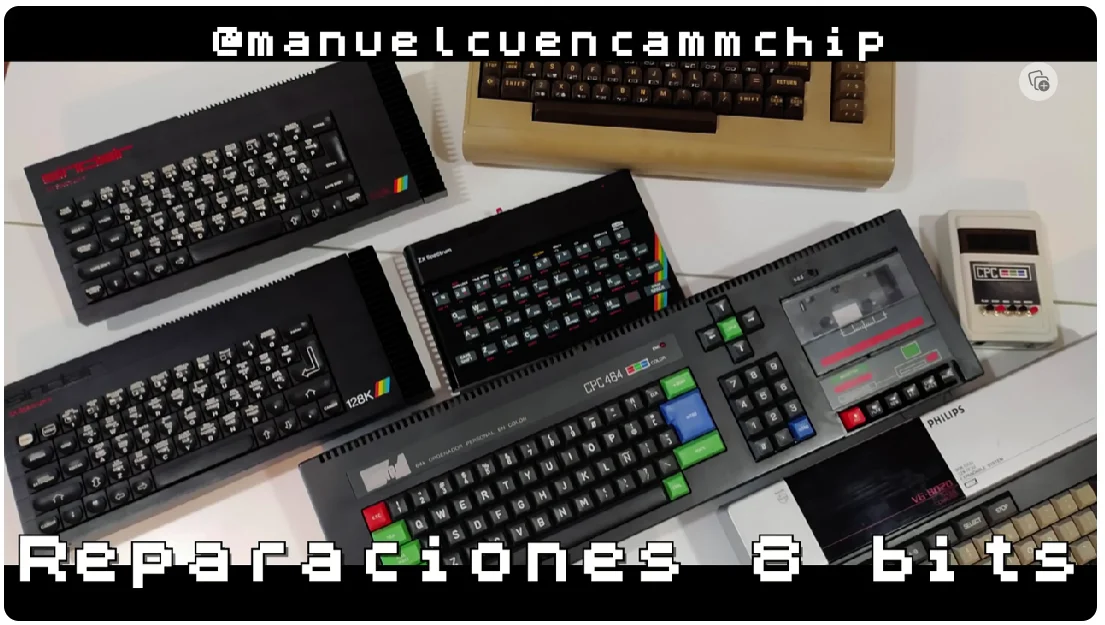
First delivery - Power supply and connection
Before opening the board, you need to rule out that the problem is outside the Spectrum. Manuel Cuenca shows how to check and connect the ZX Spectrum 48K correctly to the power supply and to the television, something fundamental to be able to start the repair by eliminating external faults.
If after following these steps your Spectrum still does not work, the second delivery continues the diagnosis on the board itself.
Second delivery - Disassembly, boards and voltages
Not all ZX Spectrum 48Ks are the same: throughout their commercial life, there were different revisions of the board (issues). In this second part, you will learn to disassemble it, recognize the revision, and locate its main components.
The key step of the video is the measurement of voltages: if the board is not powered correctly, it is difficult to function. We hope it is of great help to you.
- check_circleCheck of the power supply and connection to the TV in the first part.
- check_circleDisassembly and differentiation of the types of board (issues) in the second.
- check_circleMeasurement of voltages to rule out power supply failures before touching the logic.